


 Send Inquiry
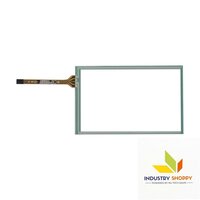
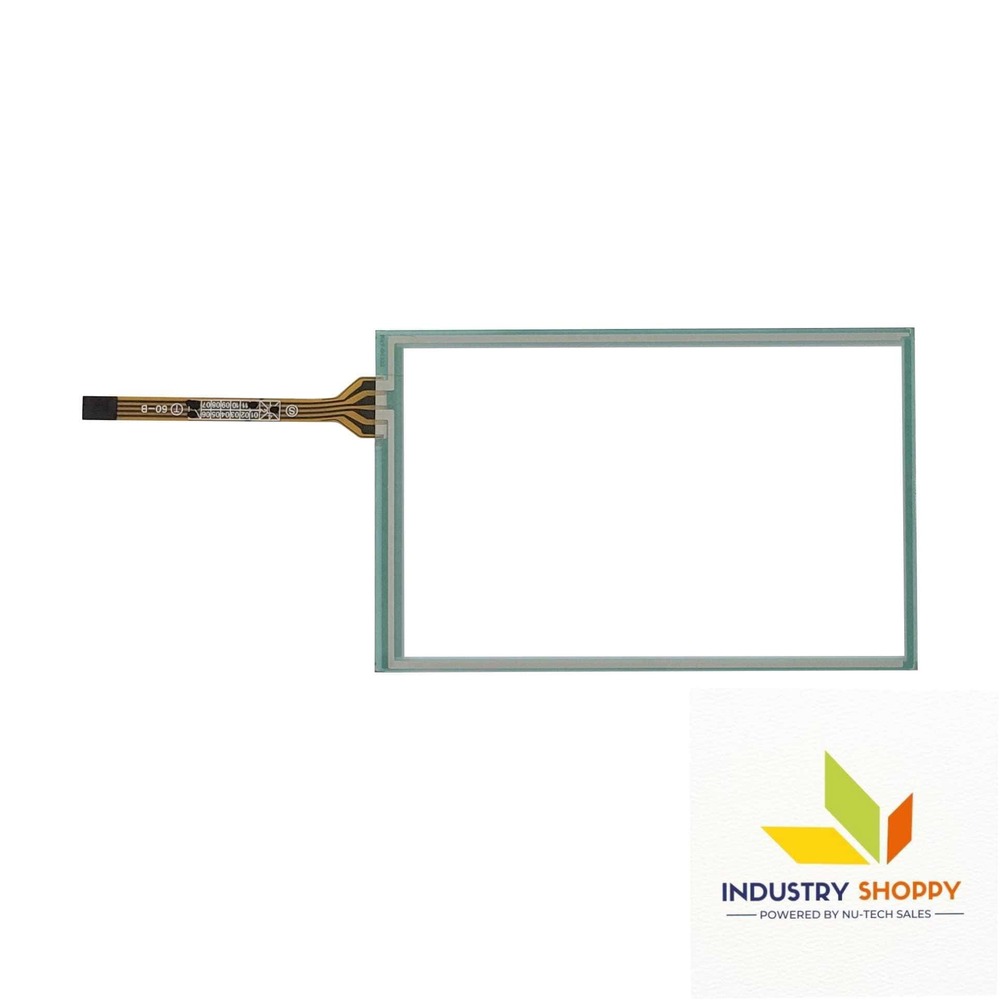
Touch Screen for Delta DOP-AS35THTD HMI Operator Panel
Product Details:
- Display Type Touchscreens
- Product Type Touch Screen for Delta DOP-AS35THTD HMI Operator Panel
- Application Industrial Use
- Size Standard
- Weight 350 Grams (g)
- Warranty Yes
- Features High Efficiency, Easy Installation, Durable, User-friendly interface
- Click to View more
Touch Screen for Delta DOP-AS35THTD HMI Operator Panel Price And Quantity
- 2850 INR/Piece
- 100 Piece
Touch Screen for Delta DOP-AS35THTD HMI Operator Panel Product Specifications
- High Efficiency, Easy Installation, Durable, User-friendly interface
- Yes
- 350 Grams (g)
- Standard
- Industrial Use
- Touchscreens
- Touch Screen for Delta DOP-AS35THTD HMI Operator Panel
- Glass
Touch Screen for Delta DOP-AS35THTD HMI Operator Panel Trade Information
- Paypal, Cash in Advance (CID), Cheque, Western Union
- 500 Piece Per Month
- 2 Days
- Asia, Australia, Central America, North America, South America, Eastern Europe, Western Europe, Middle East, Africa
- All India
Product Description
This touch is specifically compatible for Touch Screen for Delta DOP-AS35THTD HMI Operator Panel (DOPAS35THTD). Touch Screen for Delta DOP-AS35THTD HMI Operator Panel provides users with a smooth and intuitive experience. Moreover, the touch screens compatibility and ease of use make it a versatile solution for various industrial environments. Whether in manufacturing facilities, automation systems, or control rooms, touch screen for Delta DOP-AS35THTD HMI Operator Panel enhances operational efficiency by streamlining user interaction and facilitating accurate control.
Its plug-and-play design simplifies installation and setup, allowing for quick deployment without the need for extensive configuration. Overall, the touch screens reliability, durability, and user-friendly interface make it an indispensable tool for optimizing industrial processes and maximizing productivity.
| Model Number | DOP-AS35THTD |
| Make | Compatible |
| Length | 108 mm |
| Breadth | 69 mm |
| Active Area | 10063 |
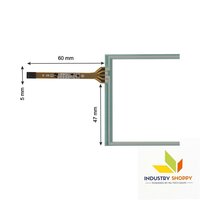
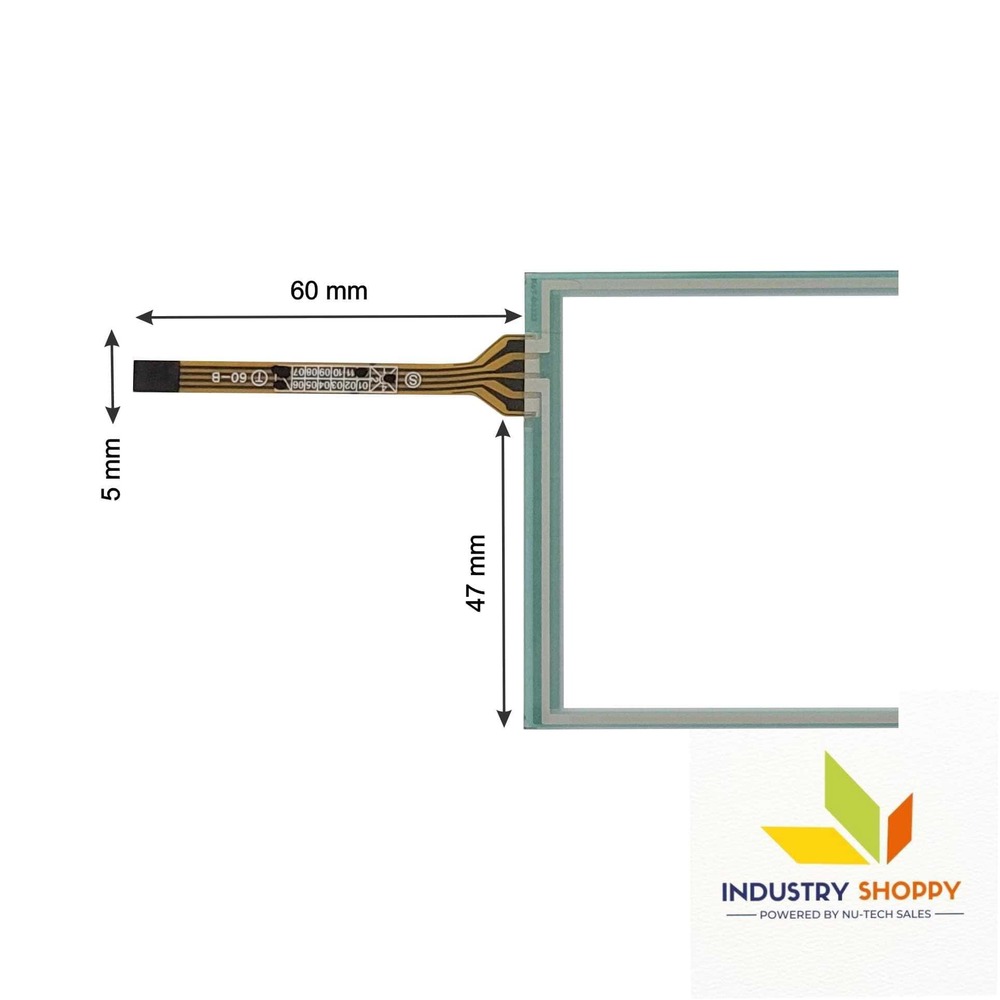
| Wire length | 60 mm |
| Wire width | 05 mm |
| Connector | |
| Number of Pins | 04 |
Please Note: Make sure to connect the wire safely without damaging the pins of the touch. Before removing the protective film, please make sure your touch screen is working perfectly and calibrated. Please handle the touch screen with caution as it is a fragile product.
Opening the parcel with care is advised, and its highly recommended to record a video while unpacking for additional security and documentation purposes. This step helps provide evidence in case of any physical damage, facilitating claims and potential replacements.
Our engineers meticulously inputted all the necessary details of this touch screen following the datasheet guidelines. However, its crucial to acknowledge the potential for errors during this process. Despite our diligent efforts, its imperative to remain vigilant as inaccuracies may persist despite our sincere endeavors.
Efficient and Reliable Industrial Solution
This touchscreen is designed to enhance control and automation efficiency within industrial facilities. Its easy installation process and robust construction minimize downtime and maintenance costs. The user-friendly interface empowers operators to interact intuitively with machinery, streamlining workflows and improving productivity across sectors.
Durable Construction and Easy Installation
Crafted from high-quality glass material, the Delta DOP-AS35THTD touchscreen withstands industrial stress while providing lasting performance. Lightweight and standard in size, it simplifies installation, making it ideal for quick retrofits and system upgrades. The supplied warranty further assures long-term investment value.
FAQ's of Touch Screen for Delta DOP-AS35THTD HMI Operator Panel:
Q: How do I install the Touch Screen for Delta DOP-AS35THTD HMI Operator Panel?
A: The installation process is straightforward. Simply match the standard-sized touchscreen with your existing panel, secure the connections as per manufacturer guidelines, and power up your panel. Its lightweight and user-friendly design make retrofitting or replacing old screens easy and efficient.Q: What are the key features that enhance industrial use of this touchscreen?
A: Key features include high efficiency, exceptional durability, user-friendly interaction, and quick installation. The quality glass construction ensures reliable performance, while the responsive touchscreen interface facilitates smooth operation in demanding industrial environments.Q: When is it recommended to replace the HMI operator panel's touchscreen?
A: Replacement is recommended if the current screen is unresponsive, cracked, or causing operational delays. Regular maintenance checks will help determine optimal replacement times, ensuring your control systems remain efficient and secure.Q: Where can I source this Delta DOP-AS35THTD touchscreen?
A: This product is available through multiple channels, including dealers, distributors, wholesalers, exporters, importers, retailers, and service providers. As a major supplier based in China, you can procure it locally or through international distributors depending on your location.Q: What is the process for claiming warranty on this product?
A: To claim warranty, you need to provide proof of purchase and a description of the issue. Contact your supplier or the manufacturer's customer service, who will guide you through the evaluation and replacement or repair process as per warranty policy.Q: How does the touchscreen benefit industrial operators?
A: Operators benefit from its intuitive interface, making system navigation easier and faster. The responsive glass panel ensures accurate commands, reducing errors and downtime, which ultimately drives efficient plant operations and workflow management.
Price:
- 50
- 100
- 200
- 250
- 500
- 1000+

Other Products in 'Industrial Touch Panel' category

- Basement Floor, Plot No. 32, Pocket-03, Sector-A5, Narela,Delhi - 110040, India
- Phone : 07971190906
GST : 07APDPK0290A1ZH
- Mr Sanjeev Kumar (CEO)
- Mobile : 07971190906
- sales@industryshoppy.in
- Industrial LCD Module
- Industrial Cooling FAN
- Industrial Touch Panel
- Industrial Membrane Keypad
- Resistive Touch Screen
- IR Touch Overlay
- HMIs & PLC Modules
- SAW Surface Wave Touch Screen
- Touch Monitors
- Safety Light Curtains
- Rotary Encoder
- Ac Drive
- Gear Head
- Gear Motor
- Servo Drive & Servo Motor
- Speed Controller
- Protective Sticker
- Temparature Controller
- Color Mark Sensor
- Photoelectric Sensor
- Proximity Sensor
- Contrast Sensor
- Medical Equipment & Sensors
- Slot / Gap / Label Sensor
- Digital Pressure Sensor
- Laser Distance Sensor
- Fibre Optic Sensor
- Inductive Proximity Sensor
- Area Sensor
- Fork Sensor
- Diffuse Sensor
- Magnetic Sensor
- Ultasonic Sensor
- Safety Door Switch
- Door Switch

 Send Inquiry
 Send SMS
Developed and Managed by Infocom Network Private Limited.

