


 Send Inquiry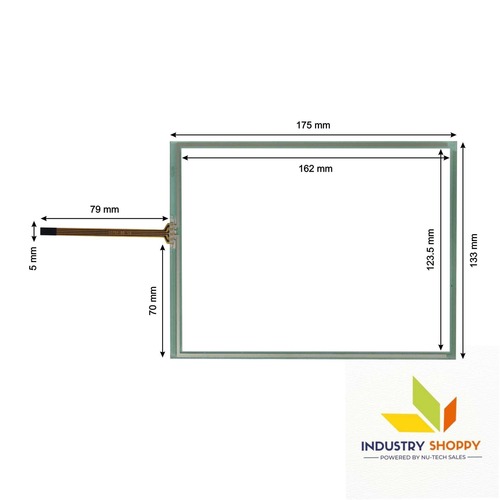
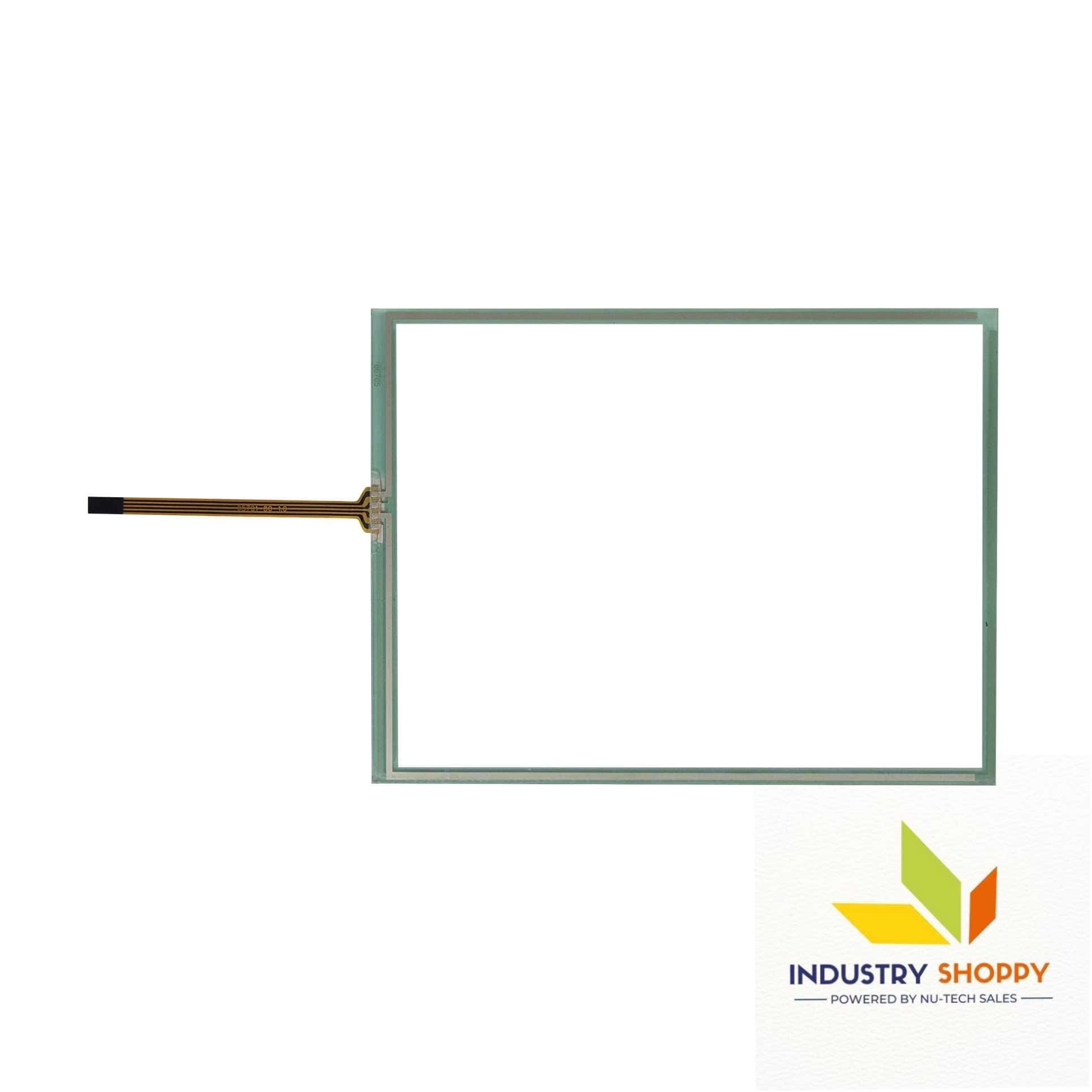
Touch Screen for Canon IR2870 Photocopier
2885.0 INR/Piece
Product Details:
- Usage Industrial and Medical Usage
- Display Type Touchscreens
- Product Type Touch Screen for Canon IR2870 Photocopier
- Application designed specifically for Canon IR-2870 copiers.
- Dimension (L*W*H) 23 15 7.5 Centimeter (cm)
- Weight 650 Grams (g)
- Warranty 3 Months
- Click to View more
X
Touch Screen for Canon IR2870 Photocopier Price And Quantity
- 2885.0 INR/Piece
- 100 Piece
Touch Screen for Canon IR2870 Photocopier Product Specifications
- 23 15 7.5 Centimeter (cm)
- designed specifically for Canon IR-2870 copiers.
- 3 Months
- Industrial and Medical Usage
- Touch Screen for Canon IR2870 Photocopier
- High Efficiency, Easy Installation, Durable, User-friendly interface
- 650 Grams (g)
- Touchscreens
Touch Screen for Canon IR2870 Photocopier Trade Information
- Cash in Advance (CID), Cheque, Telegraphic Transfer (T/T), Western Union, Paypal
- 500 Piece Per Month
- 2 Days
Product Description
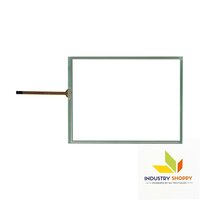
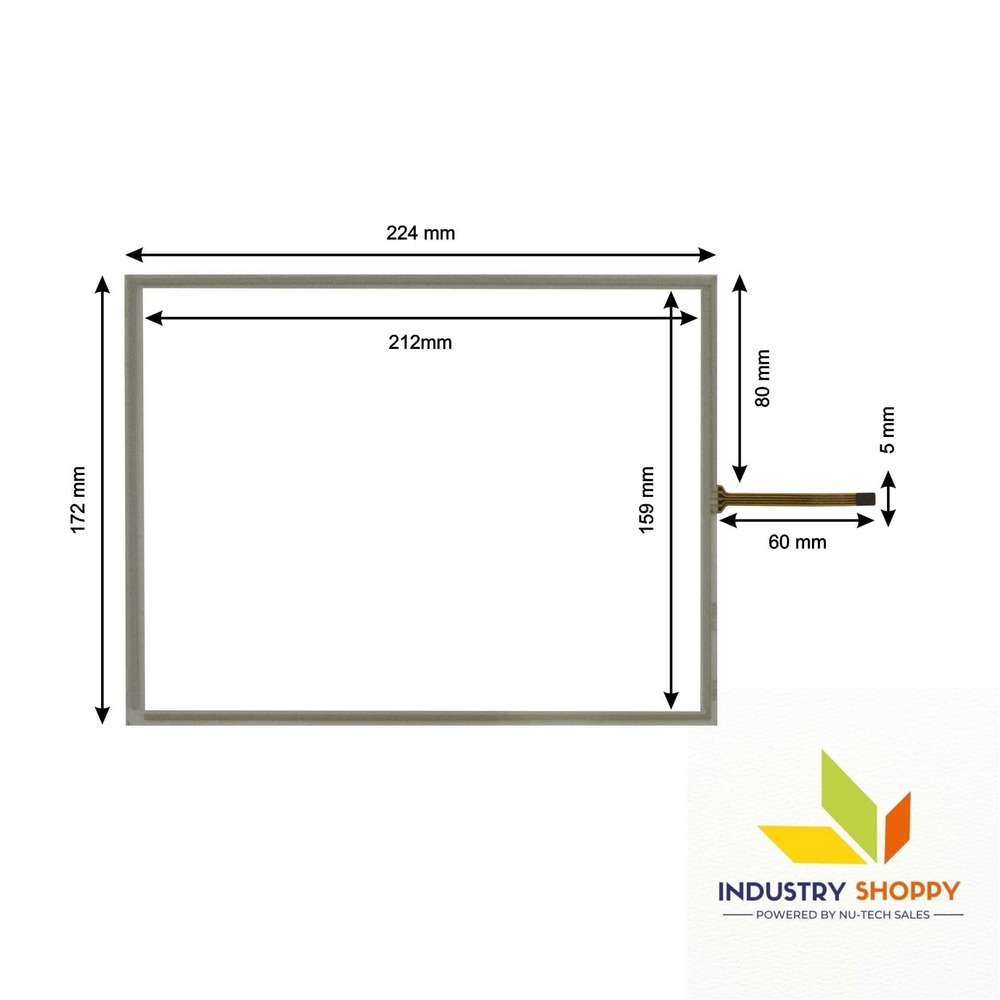
This touch is specifically compatible for IR 2870 IR-2870). It will work as a plug and play device.
| Model Number | IR 2870 |
| Make | Compatible |
| Length | 175 mm |
| Breadth | 133 mm |
| Active Area | 162123.5 |
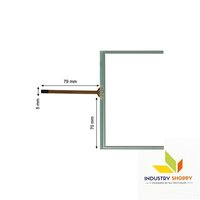
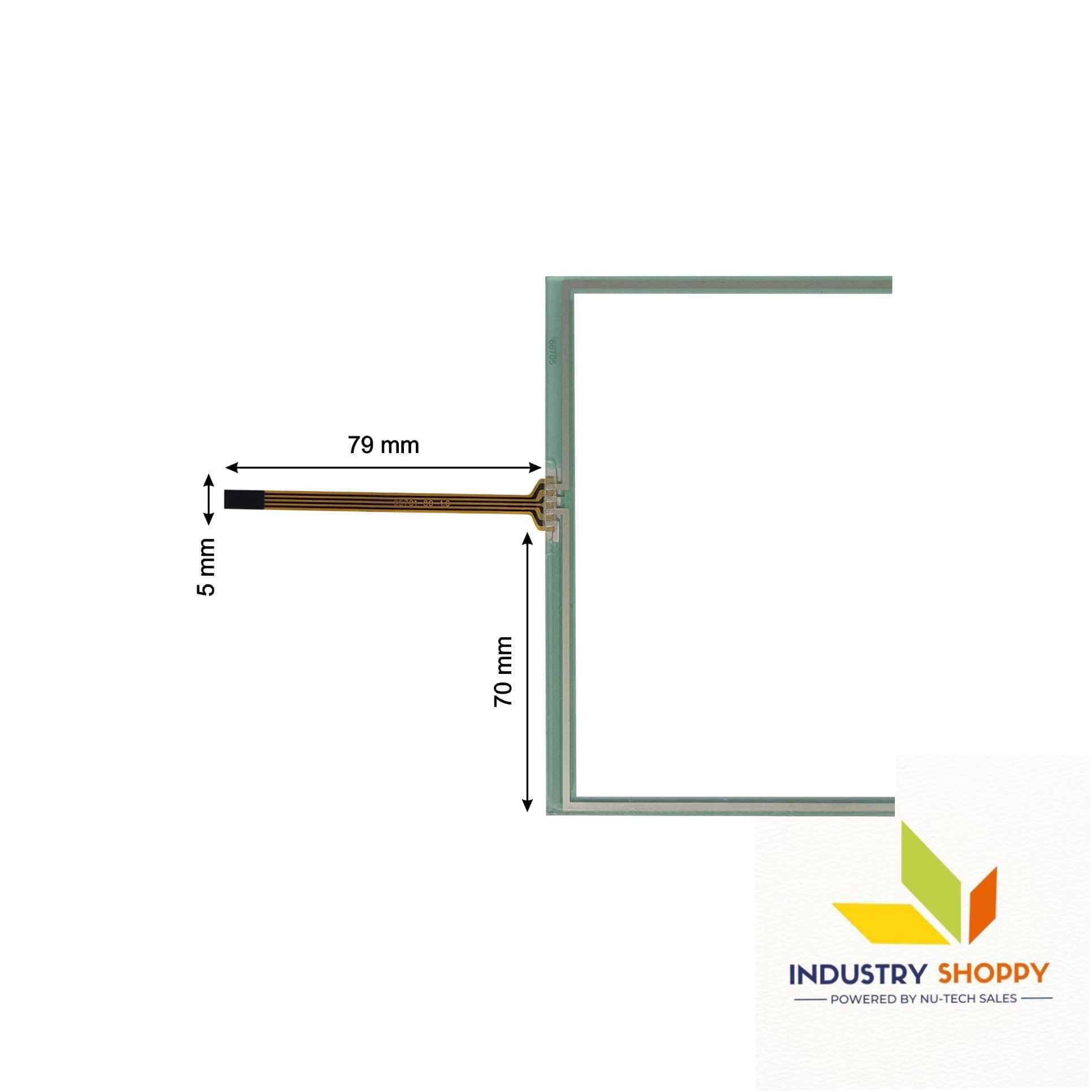
| Wire length | 79 mm |
| Wire width | 05 mm |
| Connector | |
| Number of Pins | 04 |
Please Note: Make sure to connect the wire safely without damaging the pins of the touch. Before removing the protective film, please make sure your touch screen is working perfectly and calibrated. Please handle the touch screen with caution as it is a fragile product.
Open the parcel with utmost care. We advise to make a video of the opening of the box. In case of physical damage, we have a video evidence for claim & replacement.
Effortless Installation
Designed with practicality in mind, the touchscreen allows for quick and straightforward installation onto Canon IR-2870 photocopiers. Even users with minimal technical expertise can easily set it up by following the provided instructions.
Enhanced User Experience
The advanced touchscreen interface provides simple and intuitive navigation, enabling users to access copier functions efficiently. Its responsive display ensures that tasks are completed with minimal delays, streamlining workflow in busy environments.
Built to Last
Manufactured with premium-quality materials, this touchscreen delivers lasting durability and reliable performance, even in high-volume settings. The 3-month warranty reflects our confidence in its robust construction.
FAQ's of Touch Screen for Canon IR2870 Photocopier:
Q: How do I install the Touch Screen for Canon IR2870 Photocopier?
A: The touchscreen is designed for easy installation. Users can attach it directly to the Canon IR-2870 copier by following the step-by-step instructions included with the product. No specialized tools or extensive technical skills are required.Q: What are the main benefits of using this touchscreen interface?
A: This touchscreen enhances efficiency with its user-friendly interface, enabling fast and intuitive access to copier settings. It is durable and ensures stable performance, minimizing downtime in office environments.Q: When should the touchscreen be replaced or serviced?
A: It is recommended to replace or service the touchscreen if you notice reduced responsiveness, visible damage, or malfunctioning despite troubleshooting. The product comes with a 3-month warranty, covering defects or issues within this period.Q: Where is this product available for purchase?
A: The touchscreen for the Canon IR2870 is available through a variety of channels in China, including dealers, distributors, retailers, importers, exporters, manufacturers, service providers, suppliers, and wholesalers.Q: What is the process for warranty support if my touchscreen has an issue?
A: If you experience problems during the warranty period, contact your supplier or retailer with your purchase details. They will guide you through the warranty claim process and arrange repair or replacement as needed.Q: How does the touchscreen improve usage compared to standard interfaces?
A: The touchscreen offers a highly responsive and intuitive way to navigate the Canon IR-2870's functions. It streamlines tasks such as copying, scanning, and settings adjustment, significantly improving productivity and ease of use.Tell us about your requirement

Price:
Quantity
Select Unit
- 50
- 100
- 200
- 250
- 500
- 1000+
Additional detail
Mobile number
Email

Other Products in 'Industrial Touch Panel' category

CONTACT US
- Basement Floor, Plot No. 32, Pocket-03, Sector-A5, Narela,Delhi - 110040, India
- Phone : 07971190906
NU-TECH SALES
GST : 07APDPK0290A1ZH
GST : 07APDPK0290A1ZH
- Mr Sanjeev Kumar (CEO)
- Mobile : 07971190906
- sales@industryshoppy.in
PRODUCTS
- Industrial LCD Module
- Industrial Cooling FAN
- Industrial Touch Panel
- Industrial Membrane Keypad
- Resistive Touch Screen
- IR Touch Overlay
- HMIs & PLC Modules
- SAW Surface Wave Touch Screen
- Touch Monitors
- Safety Light Curtains
- Rotary Encoder
- Ac Drive
- Gear Head
- Gear Motor
- Servo Drive & Servo Motor
- Speed Controller
- Protective Sticker
- Temparature Controller
- Color Mark Sensor
- Photoelectric Sensor
- Proximity Sensor
- Contrast Sensor
- Medical Equipment & Sensors
- Slot / Gap / Label Sensor
- Digital Pressure Sensor
- Laser Distance Sensor
- Fibre Optic Sensor
- Inductive Proximity Sensor
- Area Sensor
- Fork Sensor
- Diffuse Sensor
- Magnetic Sensor
- Ultasonic Sensor
- Safety Door Switch
- Door Switch

 Send Inquiry
 Send SMS
NU TECH SALES
All Rights Reserved.(Terms of Use)
Developed and Managed by Infocom Network Private Limited.
Developed and Managed by Infocom Network Private Limited.

